AI Video Prompt Guide: Write Briefs That Stick
A practical Tidra prompt formula — subject, camera, light, motion, exclusions — for text-to-video and image-to-video in Studio.
 Tidra Team
Weak prompts read like search queries. Strong prompts read like shot lists. This guide is the Tidra default for Studio.
The five-part brief
Stack these in one paragraph (or short bullets):
- Subject — who/what is on screen, wardrobe, age, emotion.
- Camera — lens feel, move (dolly, orbit, handheld), framing.
- Light & grade — practicals, time of day, color temperature.
- Motion & timing — what changes across the take; pace.
- Exclusions — watermarks, text overlays, extra limbs, brand logos.
Example:
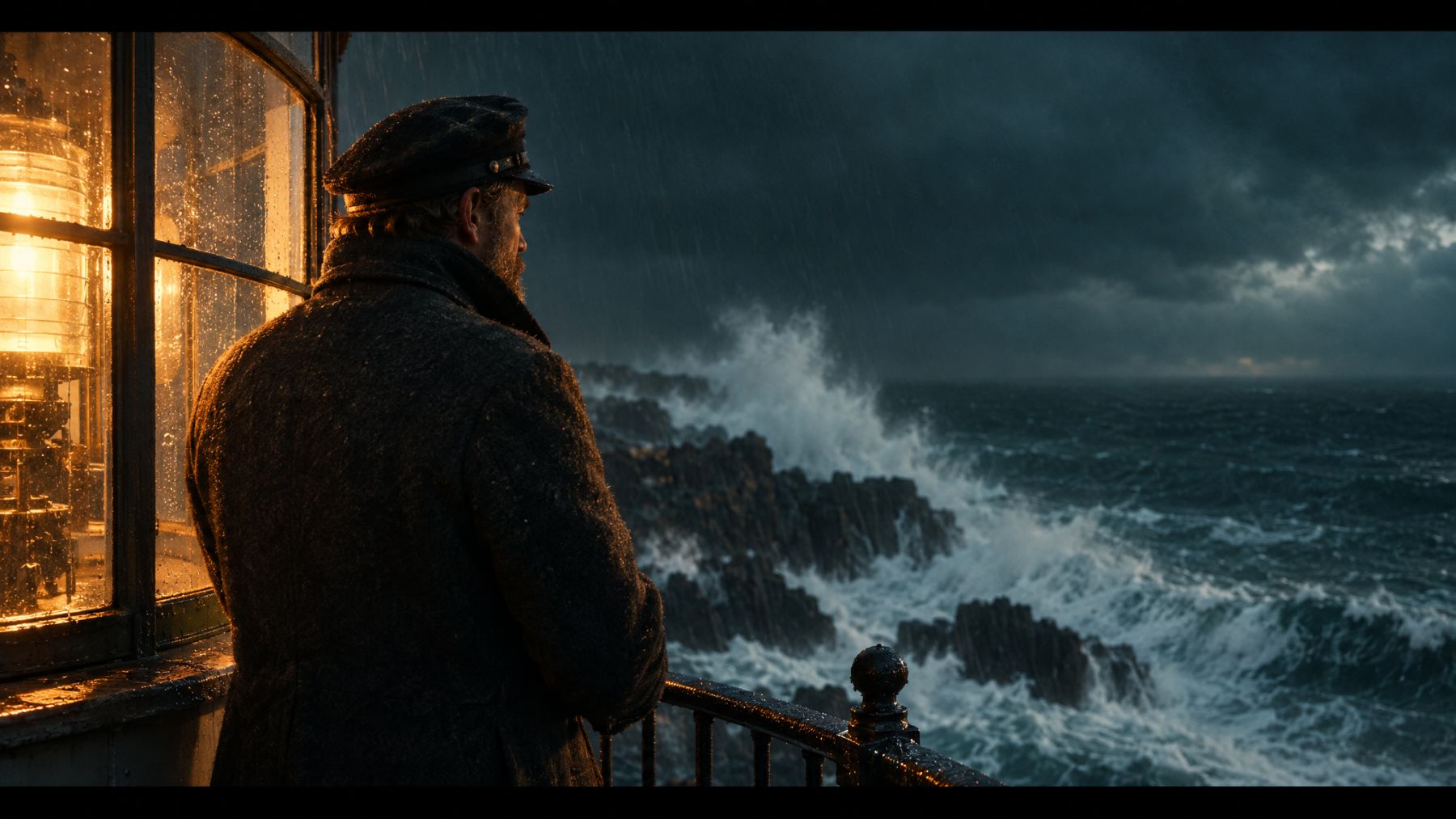
A slow dolly toward a coastal lighthouse at dusk, warm tungsten in the keeper’s window, rain on glass, gentle ocean spray. No text, no watermark, no people in frame.
Text-to-video vs image-to-video
| Mode | Use when | | --- | --- | | Text-to-video | You want full freedom on composition and first frame. | | Image-to-video | Brand asset or character sheet must match frame one. |
For i2v, keep the prompt about motion and camera, not re-describing every pixel the image already shows.
Tier pick without overthinking
- Fast — explore compositions and wording.
- Balanced — most social and product drafts.
- Premium — hero shots and client-facing finals.
Details live on pricing. Model-family pages (Seedance 2.5, MiniMax H3) explain capability differences when you care about longer takes vs multimodal direction.
Iterate like an editor
Change one variable per take: camera move, then light, then exclusions. Save the prompt that worked; branch variants instead of rewriting from scratch.
Ready? Open Studio and run three Fast takes before you spend Premium credits.